
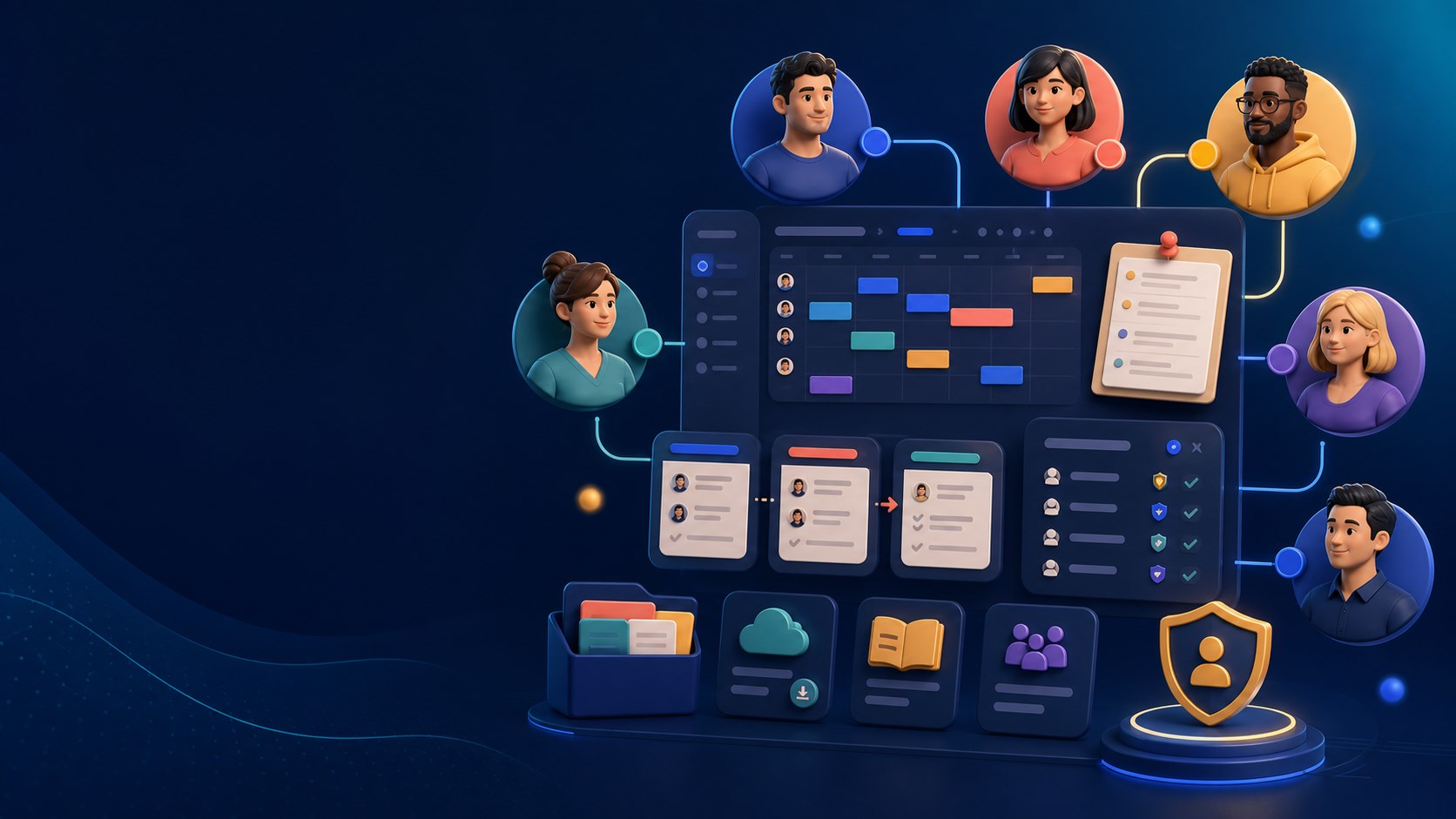
A team workspace that keeps people moving
Give every person the right access, context and working rhythm. Team users brings people, permissions, schedules and shared knowledge into one calm workspace.

A team directory with real control
Create a clear home for every team member with their name, email, role and active or inactive status. Owners and admins can keep the directory current while personal login details remain protected. Use case: quickly see who is part of the business, who owns a decision and which accounts should no longer have access.
Roles that match responsibility
Assign Member, Admin or Owner roles so access reflects responsibility rather than guesswork. A member can work in the tools they need, an admin can manage operational areas and an owner retains full control. Use case: give a studio manager enough access to coordinate work without handing over account ownership.
Module access and seat control
Switch modules on for the people who need them and understand how that affects per-seat totals. This keeps costs and permissions intentional: sales staff can access contacts, coordinators can use bookings and finance colleagues can work in financials. Use case: onboard a new starter with a focused workspace on day one.
Weekly availability and holiday blocks
Set each person’s normal working pattern, then add holidays or one-off unavailable periods. Availability gives the business a reliable view before shifts or appointments are planned. Use case: prevent customer bookings being offered when the only qualified person is away.

Team calendar, shifts and clocking
See who is working in a month or week view, schedule shifts, recognise holidays and let staff clock in or out of their own shifts. Use case: a service business can understand coverage for a busy Saturday and spot gaps before they become customer problems.
Shift management and hourly rates
Managers can add shifts, review upcoming work, record clock entries and maintain hourly rates. Use case: compare planned coverage with actual attendance, support payroll preparation and keep a transparent operational record without a separate spreadsheet.
Handovers that protect continuity
Record open handovers with dates, categories, status and detailed notes. Customer, stock, building, team and follow-up categories make the next action obvious. Use case: a colleague finishing a shift can leave a clear customer promise or unresolved issue for the next person.
A shared noticeboard for important updates
Publish visible team updates, pin priority messages and keep announcements in one shared place. Use case: communicate a change to opening hours, a safety reminder or this week’s focus without relying on scattered private messages.
Resources everyone can find
Store shared team resources close to the workspace so guidance, templates and reference files are easier to reuse. Use case: give a new employee the current brand guide, a process checklist or a customer-service script without hunting through old email threads.
Mind maps for shared thinking
Create visual mind maps that turn a complex idea into connected topics, branches and next steps. Use case: plan a launch, map a customer journey or help a team turn a meeting conversation into an organised action plan.
A calmer, more accountable team rhythm
Together, the directory, permissions, availability, schedule, handovers, noticeboard, resources and mind maps create a practical team operating system. Use case: replace “who knows what?” with visible ownership, shared context and a dependable place to continue the work.