
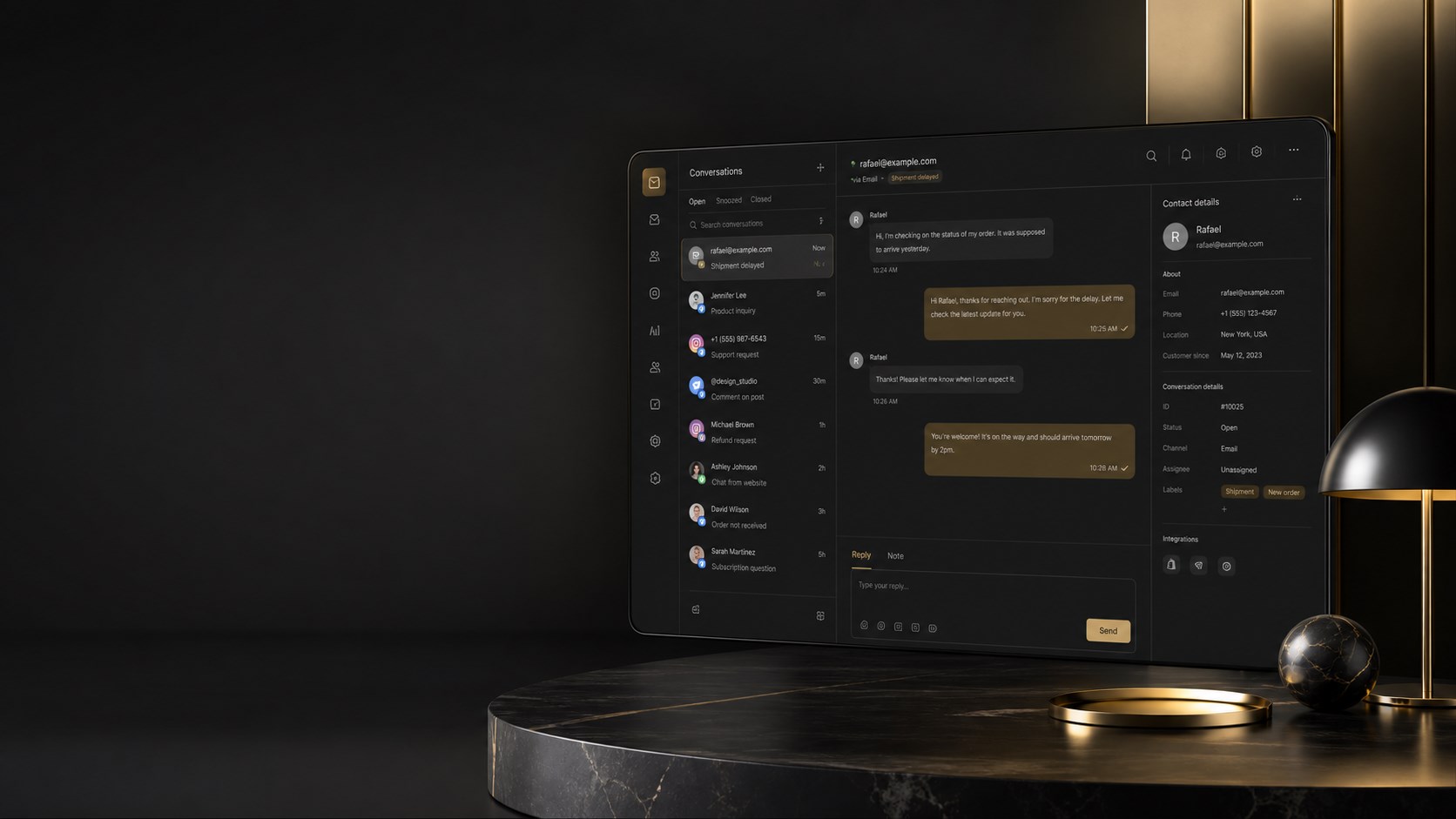
Customer conversations, handled with clarity
The Unified Inbox brings messages, contact context, ownership and follow-up together so your team can answer faster without losing the human thread.

Every customer message in one place
Bring connected email, website chat and supported social conversations into one shared inbox. Instead of checking separate apps, the team sees the work that needs attention in one calm list. Use case: a small business can answer a website question and an Instagram enquiry without switching tabs.
Conversation list and focused filters
See open conversations, unread messages, assigned work and archived threads in a structured list. Search conversations and focus the view so the next reply is obvious rather than buried under already-handled history. Use case: start the morning with only unread enquiries, then switch to assigned work for the afternoon handover.
A complete message thread
Read the conversation in context, keep incoming and outgoing messages together and reply from the same workspace. Thread continuity helps staff understand what has already been promised. Use case: answer a delivery question without asking the customer to repeat the order details.
Contact context beside the conversation
Link a conversation to an existing contact or create a contact from the thread. Keep name, email, phone, notes and customer history close while replying. Use case: turn an anonymous website enquiry into a useful customer record at the moment it matters.
Ownership, claiming and transfer
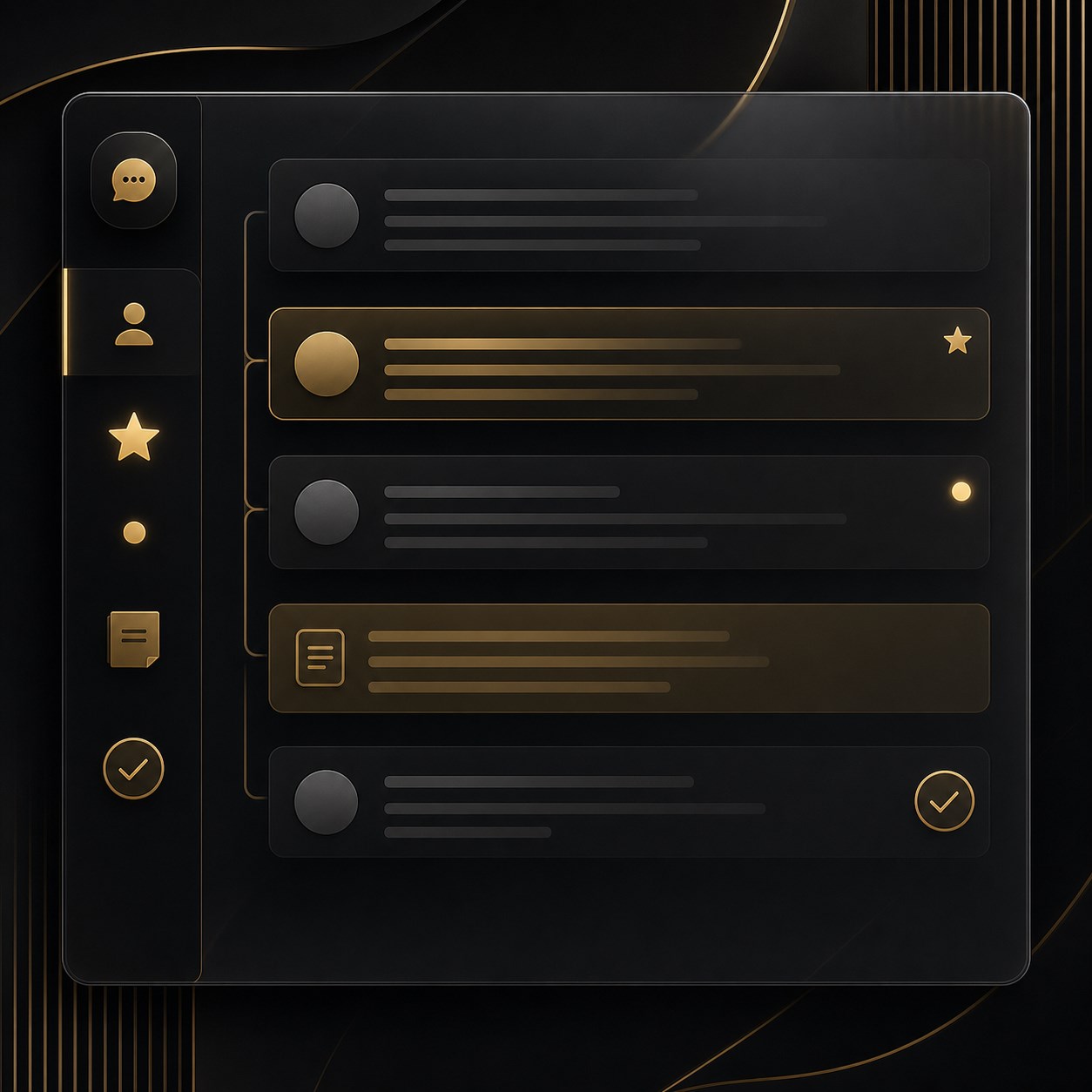
Claim a conversation, assign it to a specific team member, transfer ownership when the right specialist changes and release it back to the open queue when appropriate. Use case: a general enquiry can move from reception to finance without losing the thread.
Status, priority, star and archive controls
Resolve or reopen work, mark conversations unread, flag important threads and archive completed conversations. These controls keep the list honest: open work stays visible and finished work stops competing for attention. Use case: star a time-critical complaint, resolve it after the response and retain the history for reference.
Internal notes and event history
Keep internal context separate from the customer-facing reply and record key conversation events such as ownership changes, contact linking and resolution. Use case: add a private note about a promised callback so the next colleague has the context without exposing internal detail.
Email, social and chat connections
Connect inboxes and supported channels through their own integration settings. Email mailboxes, website chat, Facebook, Instagram and other supported social surfaces can feed the same operational rhythm, while each channel keeps its own sending and API requirements. Use case: handle a social comment, a direct message and an email enquiry from one queue.
AI assistance and automatic replies
Conversation Engine can classify intent, prepare a response plan and suggest or send replies when the business enables it. Automatic replies can be paused globally, controlled by mailbox and platform, and protected by confidence and governance rules. Use case: let routine questions receive a useful first response while keeping uncertain or sensitive cases for a person.
Notifications and follow-up discipline
Conversation activity can create team notifications, surface ownership changes and keep open work moving. Scheduled imports and queues bring new messages into the workflow, while human replies take precedence over queued automation. Use case: ensure an assigned colleague knows a new reply arrived without asking the customer to chase again.
A calmer customer-service operating system
The Unified Inbox is more than a message list: it connects channels, people, context, responsibility, automation and resolution history. Use case: build a reliable support rhythm for a growing team without losing the personal quality of the reply.