Core Workspace
Click this block to edit the content.
Dashboard
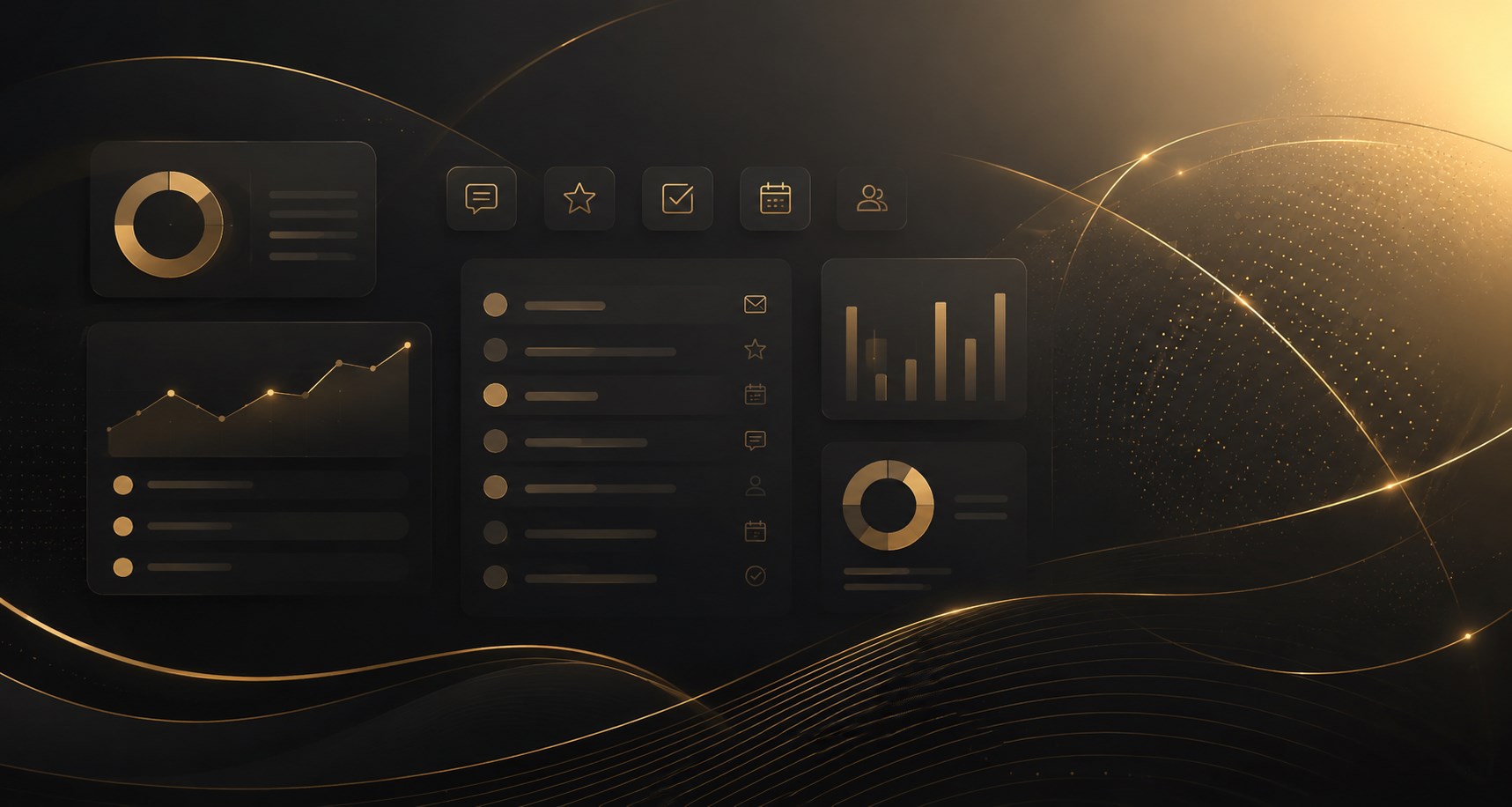
The dashboard provides a daily operational overview of the account, including priorities, campaigns, messages, reviews, tasks, bookings and recent activity.
A dental group could use the dashboard each morning to see unanswered patient messages, upcoming appointments, active campaigns and outstanding staff tasks.
Can replace: HubSpot dashboard, GoHighLevel dashboard, Monday.com overview, custom spreadsheets.
Unified Inbox
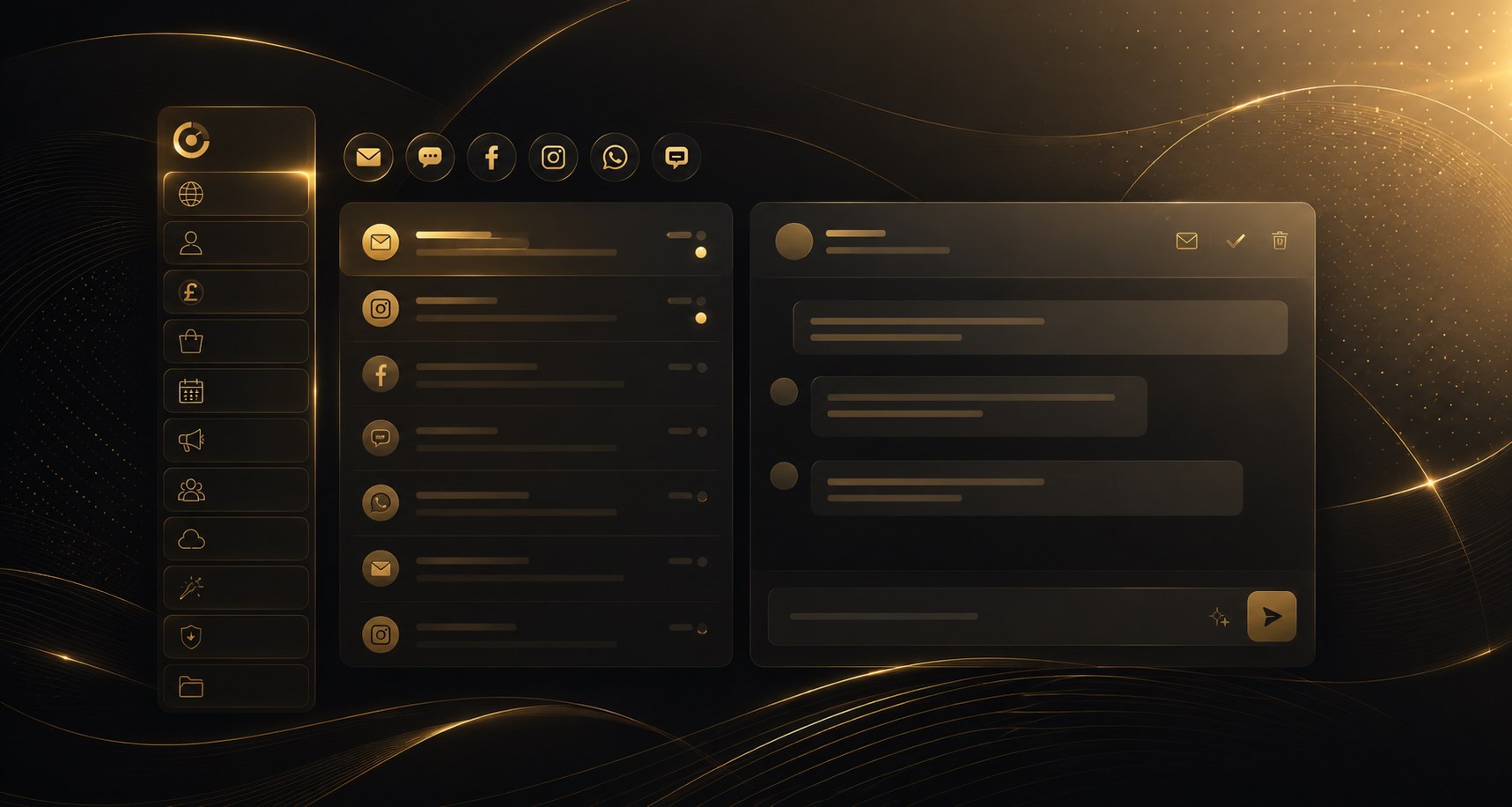
The inbox brings customer messages from supported channels into one place, with conversation history, replies, internal handling and AI-assisted response tools.
A franchise business could manage enquiries from its website, WhatsApp and social channels without asking each location to monitor separate inboxes.
Can replace: Front, Intercom, Zendesk, Help Scout, Hootsuite Inbox.
Notifications
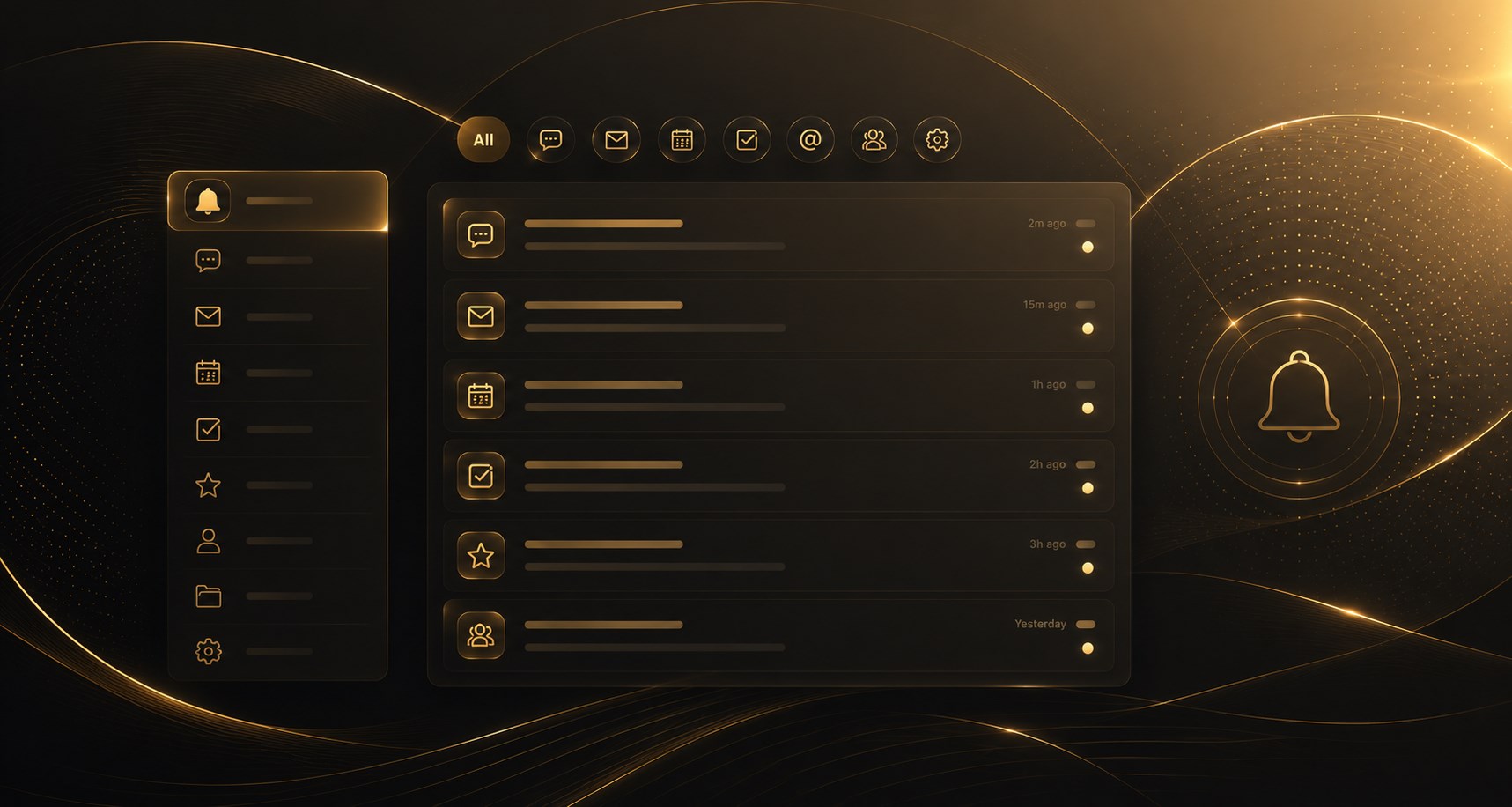
Notifications provide alerts for new messages, approvals, completed tasks, failures, support replies and other important account events.
A healthcare provider could receive a notification when a patient enquiry needs attention or when an automated reply has failed.
Can replace: Slack notifications, Microsoft Teams alerts, email alert systems.
Task Manager
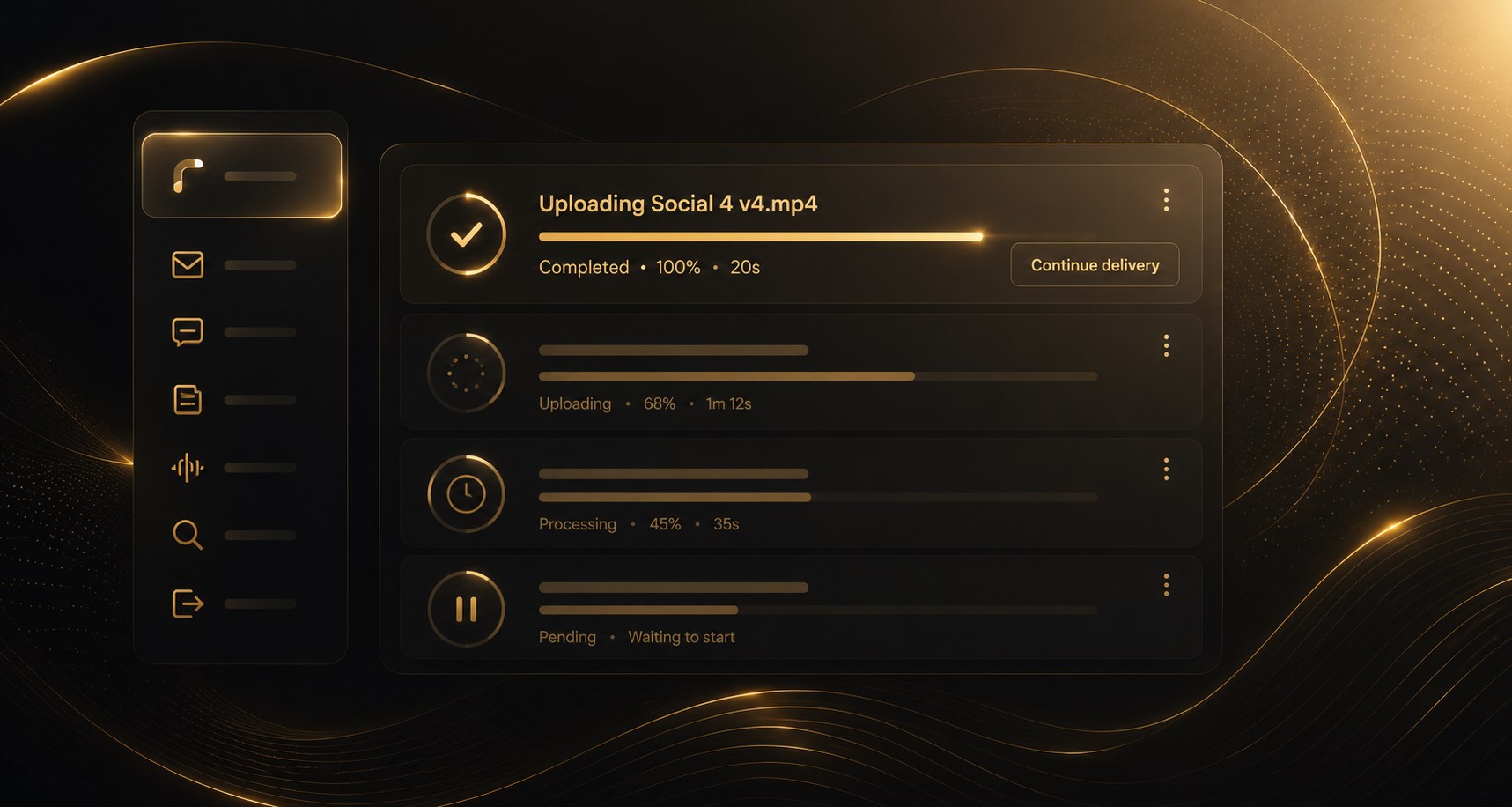
The background Task Manager tracks long-running operations such as uploads, AI generation, imports and exports independently of the current page.
A marketing agency could start several image generations or file uploads, move to another page and continue working while tasks run in the background.
Can replace: Asana task status panels, upload widgets, custom background-job dashboards.