

Make every moment count.
Bring availability, bookings, events and team schedules into one clear calendar workspace. Give customers an easy way to choose a time, give your team the context to deliver it, and keep every appointment, class and payment moving together.

Appointments without the back-and-forth
Publish appointment types, define available slots and let customers request a time without the usual email tennis. Collect the details your team needs — name, email, phone and notes — while keeping every request visible in one booking workflow.
Availability and appointment settings make it easy to offer one-to-one sessions, consultations or recurring services. For remote appointments, Video Calls keeps meeting access close to the scheduled time.
Availability and appointment settings make it easy to offer one-to-one sessions, consultations or recurring services. For remote appointments, Video Calls keeps meeting access close to the scheduled time.
A live schedule your whole team can trust
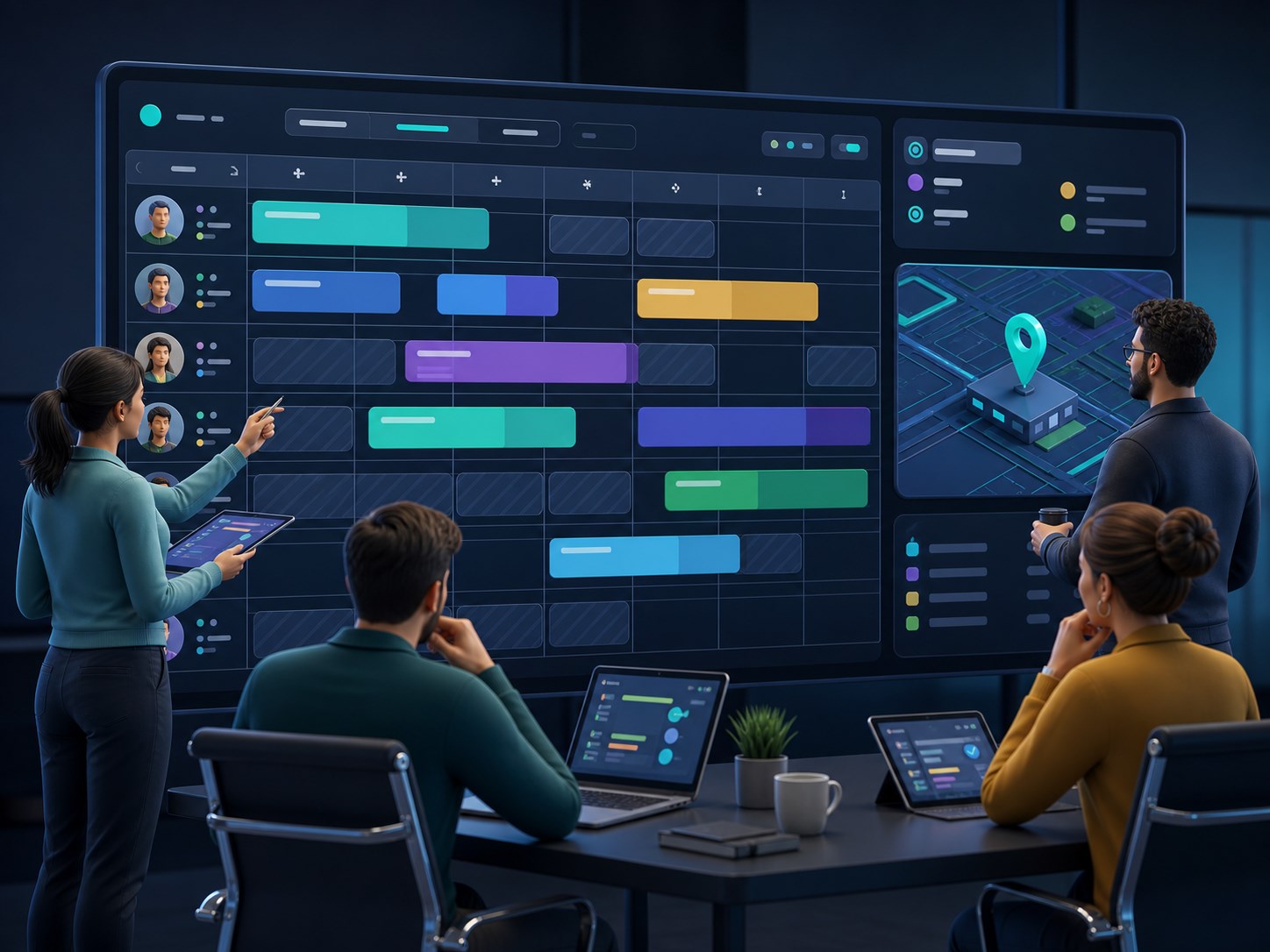
See your team’s working pattern, shifts, holidays and availability in a shared month or week view. Schedule with the right people and resources in mind, then give staff the context they need to deliver the appointment well.
Clock-in and clock-out tools, shift status and clear ownership turn the calendar into an operational workspace rather than a simple list of dates.
Clock-in and clock-out tools, shift status and clear ownership turn the calendar into an operational workspace rather than a simple list of dates.
Events and classes with every detail attached
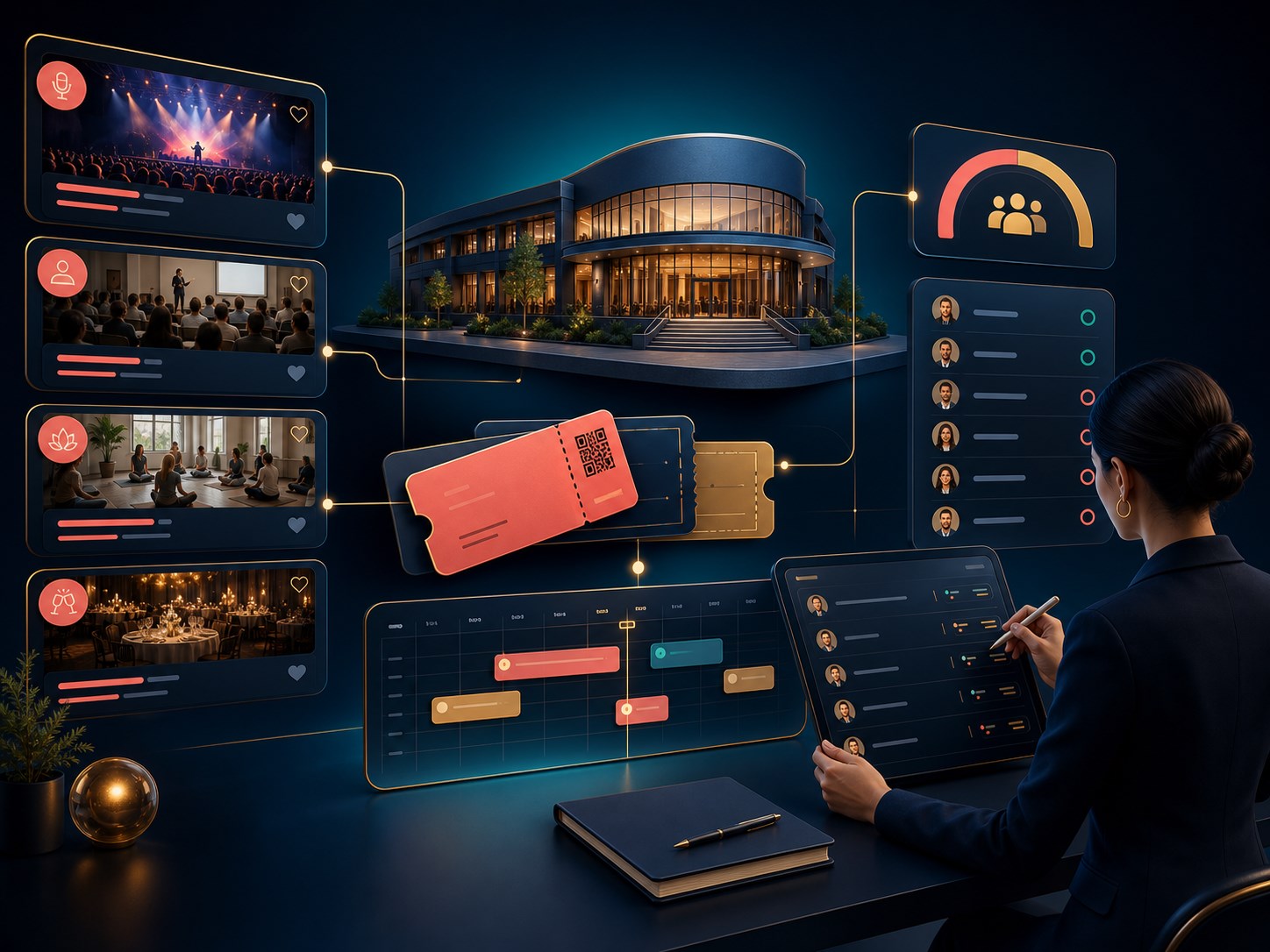
Create classes, workshops and events with reusable venues, descriptions, categories, start and end times, capacity and publication status. Keep attendee lists and booking counts close to the event record so you can see what is happening at a glance.
Add pricing, currency, promotional notes and social promotion when you need to fill the room, and duplicate successful formats instead of rebuilding them from scratch.
Add pricing, currency, promotional notes and social promotion when you need to fill the room, and duplicate successful formats instead of rebuilding them from scratch.
Bookings that stay clear from request to confirmation
Move each request through a dependable workflow: pending, confirmed or cancelled. Release booked slots when plans change, send confirmation emails, and keep customer notes with the booking so your team always knows what to do next.
Public booking pages show available times, selected appointment details and helpful status messages, giving customers a calm self-service experience on any device.
Public booking pages show available times, selected appointment details and helpful status messages, giving customers a calm self-service experience on any device.

Payments and reminders built into the journey
Charge for paid appointments and events when payment is required, then connect the booking to the right checkout flow. The calendar module supports payment-aware booking records and can hand customers to PayPal checkout when the account is connected.
Confirmation and request emails keep customers informed, while reminders and attendee updates reduce missed appointments and make follow-up feel intentional.
Confirmation and request emails keep customers informed, while reminders and attendee updates reduce missed appointments and make follow-up feel intentional.
Two-way calendar integrations, without duplicate admin
Connect Google Calendar through OAuth and choose how the sync behaves. Pull external events into rel-ease so your team can see the full picture, and send booked rel-ease appointments back to the connected calendar.
Sync now when you need an immediate refresh, review the last sync and disconnect or change import/export settings from one integration screen. Outlook support is planned on the same shape, while Apple Calendar currently needs separate setup.
Sync now when you need an immediate refresh, review the last sync and disconnect or change import/export settings from one integration screen. Outlook support is planned on the same shape, while Apple Calendar currently needs separate setup.