

29 Aug 2026
How the Events Module in rel-ease Can Transform Your Business Operations
Purpose: The Events module in rel-ease is designed to help businesses manage events, classes, and bookings in one connected workspace. Whether you're running a fitness studio, a language school, or a digital workshop platform, the decision to adopt this module is about streamlining operations , reducing administrative overhead , and improving the customer experience .
Start with the real decision
Purpose: The Events module in rel-ease is designed to help businesses manage events, classes, and bookings in one connected workspace. Whether you're running a fitness studio, a language school, or a digital workshop platform, the decision to adopt this module is about streamlining operations, reducing administrative overhead, and improving the customer experience.
Reader Takeaway: You’re deciding whether to centralize event management, reduce duplicate work, and improve visibility across your team and customers. The Events module is a tool that supports this decision by offering a single, integrated workspace for planning, publishing, and managing events.
What a strong approach looks like
Purpose: A strong approach to using the Events module involves planning events with reusable data, managing capacity and availability, and connecting bookings to payments and reminders. It’s not just about scheduling — it’s about creating a seamless customer journey and operational clarity for your team.
Key Features:
- Reusable Venues:
Create and manage venues (physical or virtual) once and reuse them across multiple events. This reduces duplication and ensures consistency in how events are presented and managed.
- Capacity Control:
Set limits on how many people can attend an event or class. This helps manage demand, avoid overbooking, and maintain quality in your offerings.
- Public Booking Pages:
Let customers choose a time, view event details, and book directly from a public-facing page. This reduces the need for manual follow-up and improves the customer experience.
- Integrated Payments:
Charge for events or classes directly through the booking process. Connect to payment gateways like PayPal, and automate confirmation and reminder emails.
- Calendar Sync:
Sync with Google Calendar (and Outlook in development) to keep your team and customers in sync. This ensures that all events are visible in one place and reduces the risk of double bookings or missed appointments.
Reader Takeaway: A strong approach means using the Events module to centralize event data, reduce administrative tasks, and improve the customer journey — all while keeping your team informed and aligned.
Trade-offs and mistakes to avoid
Purpose: While the Events module is powerful, it’s not a one-size-fits-all solution. Understanding the trade-offs and avoiding common mistakes can help you use it more effectively.
Trade-offs to Consider:
- Time to Set Up:
Setting up reusable venues, event types, and booking workflows takes time. It’s worth the investment, but it’s not immediate.
- Limited Customization:
While the module is designed for simplicity, it may not support highly customized booking forms or advanced payment integrations beyond basic options.
- Dependency on External Tools:
The Events module works best when integrated with other rel-ease modules (like the Products or SEO modules). Without this integration, some features may be limited.
Common Mistakes to Avoid:
- Overloading Events with Too Much Data:
Avoid adding unnecessary fields or descriptions to event records. Keep the focus on clarity and ease of use.
- Ignoring Calendar Sync:
Failing to sync with Google Calendar or other tools can lead to missed appointments and confusion for both your team and customers.
- Not Using Reusable Templates:
Failing to create reusable event templates can lead to repetitive setup and inconsistent event management.
Reader Takeaway: Use the Events module wisely by focusing on reusability, clarity, and integration. Avoid overcomplicating event setup and remember that the goal is to simplify operations, not to replace them.
Turn the insight into action
Purpose: Now that you understand the module and its value, it’s time to take a low-friction step that supports your decision.
Next Action:
- Start by setting up a single event.
Use the Events module to create one event (e.g., a workshop or class), define its venue, capacity, and pricing, and publish a public booking page. This will help you test the module and see how it fits into your workflow.
- Connect to Google Calendar (or Outlook).
Sync your rel-ease calendar with your team’s existing calendar tools to ensure visibility and reduce the risk of double bookings.
- Explore integration with the Products module.
If you sell tickets or digital products, connect the Events module with the Products module to automate payment processing and ticket delivery.
Reader Takeaway: Take one small step — create an event, sync with your calendar, or integrate with another module — and build from there. The Events module is a tool to support your business, not a replacement for your team’s expertise.
Closing Action
Take the next low-friction step: Create a single event using the Events module, define its details, and publish a public booking page. This will give you a clear idea of how the module works and whether it supports your business goals.
Keep reading
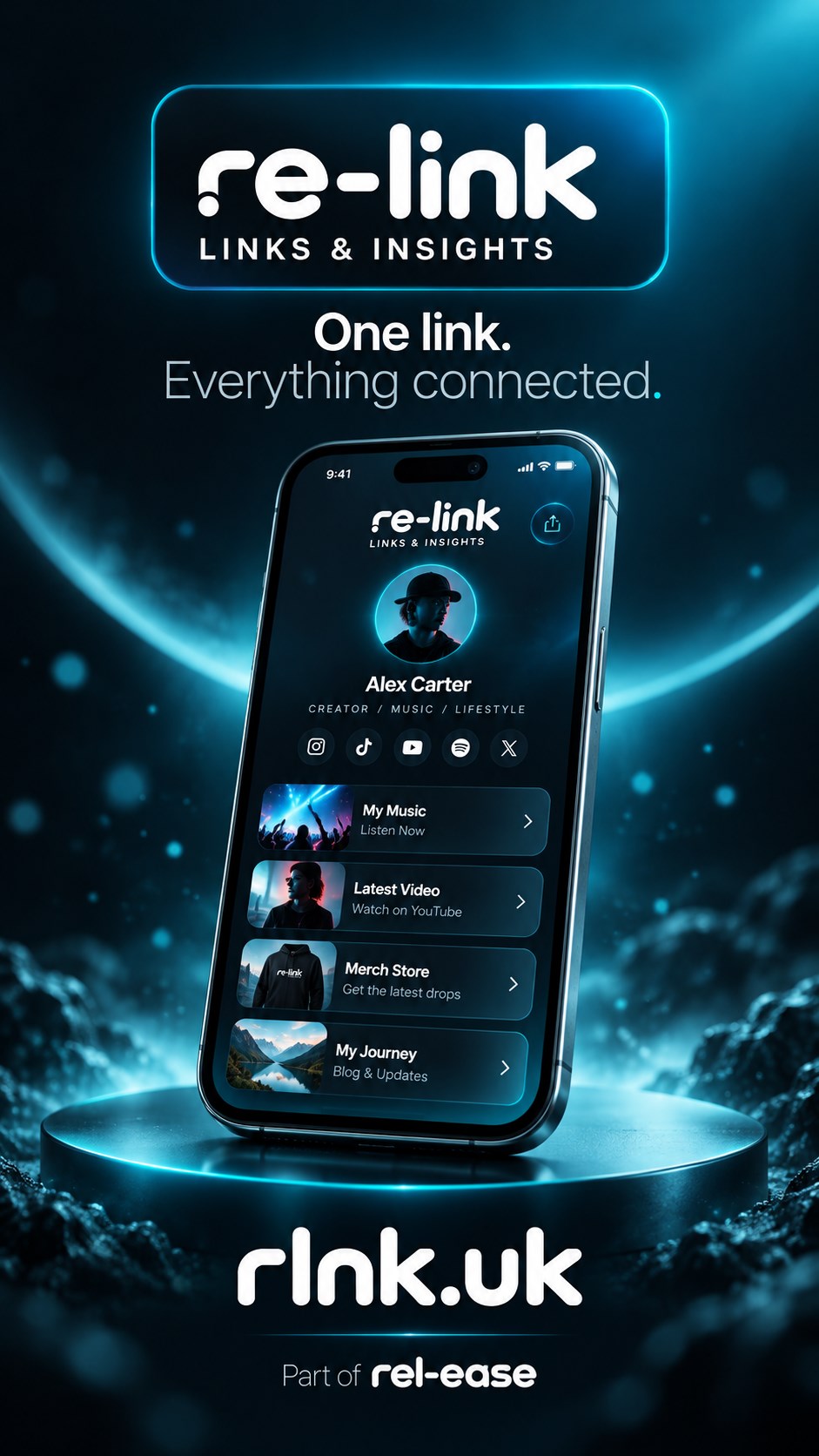
Re-Link Is the Secret Weapon
Running a business in today’s digital age means juggling multiple platforms—Instagram, Facebook, TikTok, and more. Each of these platforms has its own set of rules, audience expectations, and content formats. But one of the most overlooked challenges is managing your links. Whether you’re promoting a new product, sharing a blog post, or linking to your website, having a clear, organized system for your links is essential. That’s where re-link comes in. With re-link, you can create a centralized link page that keeps your social.

Using rel-ease, vs using wordpress with plug-ins to manage memberships etc and how using multiple…
Managing memberships, subscriptions, and user access is a critical function for many businesses, especially those offering online services, educational programs, or exclusive content. Whether you're running a fitness studio, a digital course provider, or a community platform, the ability to control who has access to what—and when—can make or break your operations. However, the tools you choose to manage this process can significantly impact your reliability, security, and overall user experience.

Using rel-ease to sell tickets for your event
Running an event can be a thrilling experience, but the logistics of ticket sales can quickly become overwhelming. Whether you're organizing a local workshop, a community festival, or a high-profile conference, managing ticket sales efficiently is crucial to ensuring a smooth and successful event. rel-ease offers a powerful solution for event organizers looking to streamline the ticketing process. In this guide, we'll walk you through how to use rel-ease to sell tickets for your event, from setting up your event to managing bookings and payments.